AI image generator with no watermark.
Type what you want, generate, and download the full-resolution file exactly as the model made it — no stamp, no overlay, nothing to remove. Free to start, no signup.

GeniGPT Image Generator
Generate AI images from a plain-text description. The download is the full-resolution file, watermark-free.
Your first 3 generations are free — no signup, no card.
What no watermark means here.
The file you download is the file the model generated. Full resolution, every pixel as rendered — no logo in the corner, no diagonal text across the middle, no semi-transparent grid. That applies to the free tier too: your first 3 generations are free, and those downloads get exactly the same treatment as Pro downloads. There is no watermarked preview you pay to clean up, because nothing is ever added to the image in the first place.
No watermark is not the same as no provenance, though, and the difference is worth stating plainly. Instead of marking the image itself, we embed invisible IPTC metadata that labels it as AI-generated and credits GeniGPT, so files stay clean and honestly labeled. IPTC metadata is text inside the file — the same kind of field a camera uses to record its model name — not pixels on your picture. Photo software can read it, and services such as Google Images use it to mark AI content in search results, but it never appears on the image anywhere you post, print, or publish it.
That is the whole policy: provenance lives in metadata, never on your pixels. If labeling standards tighten in the future, the answer stays the same — richer metadata, not a stamp.
Who watermarks what.
How the popular generators handle watermarks and signup on their free tiers — checked July 2026; policies change, so treat this as a snapshot.
| Generator | Watermark on free downloads | Account required |
|---|---|---|
| GeniGPT | None — free and Pro downloads are identical; provenance lives in invisible IPTC metadata only | No |
| ChatGPT (GPT Image) | No visible watermark; embeds C2PA metadata and an invisible SynthID watermark | Yes |
| Google Gemini | Visible Gemini sparkle on free-tier images, plus invisible SynthID — only the Ultra tier drops the visible mark | Yes |
| Bing Image Creator / Microsoft Designer | Small visible mark in the bottom-left corner of Image Creator images, plus content-credentials metadata | Yes |
| Fotor | Varies by feature — reviews report watermark-free text-to-image on the free plan but watermarked image-to-image and template exports | Yes |
| Freepik | Reviews report a small Freepik mark on free-plan generations, removed on paid plans — official docs do not state a watermark policy | Yes |
| Midjourney | No free tier — generation requires a paid plan | Yes |
The pattern: the big free generators either put a visible mark on the file, put an account wall in front of it, or both. GeniGPT does neither — open the image generator, type, download.
Downloaded exactly as generated.
Four images straight from the generator, downloaded as delivered — no stamp, no overlay, no corner mark to crop around. The captions are the prompts that made them.
-

Real Madrid fan at stadium -
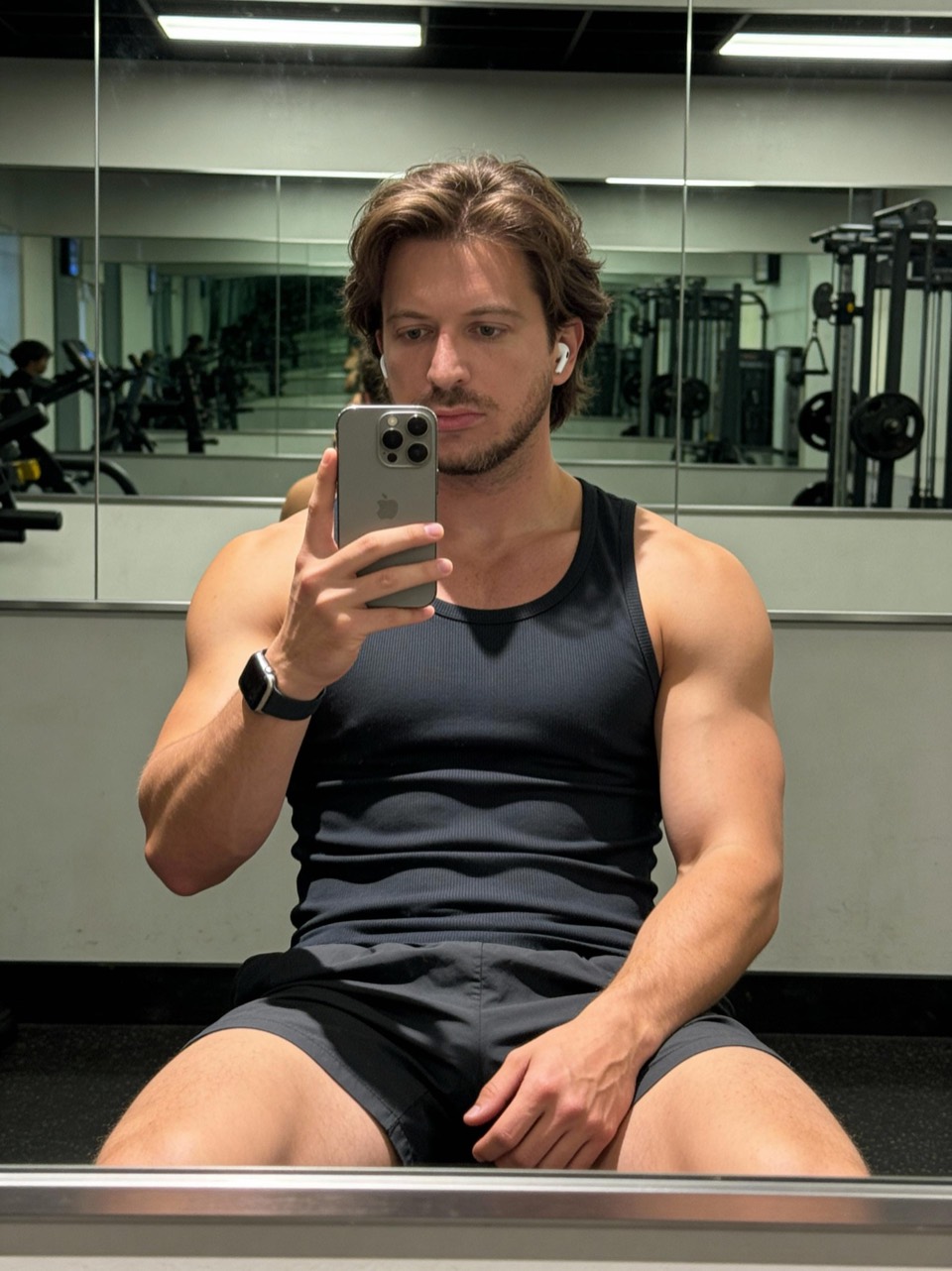
Gym mirror selfie, muscular build -
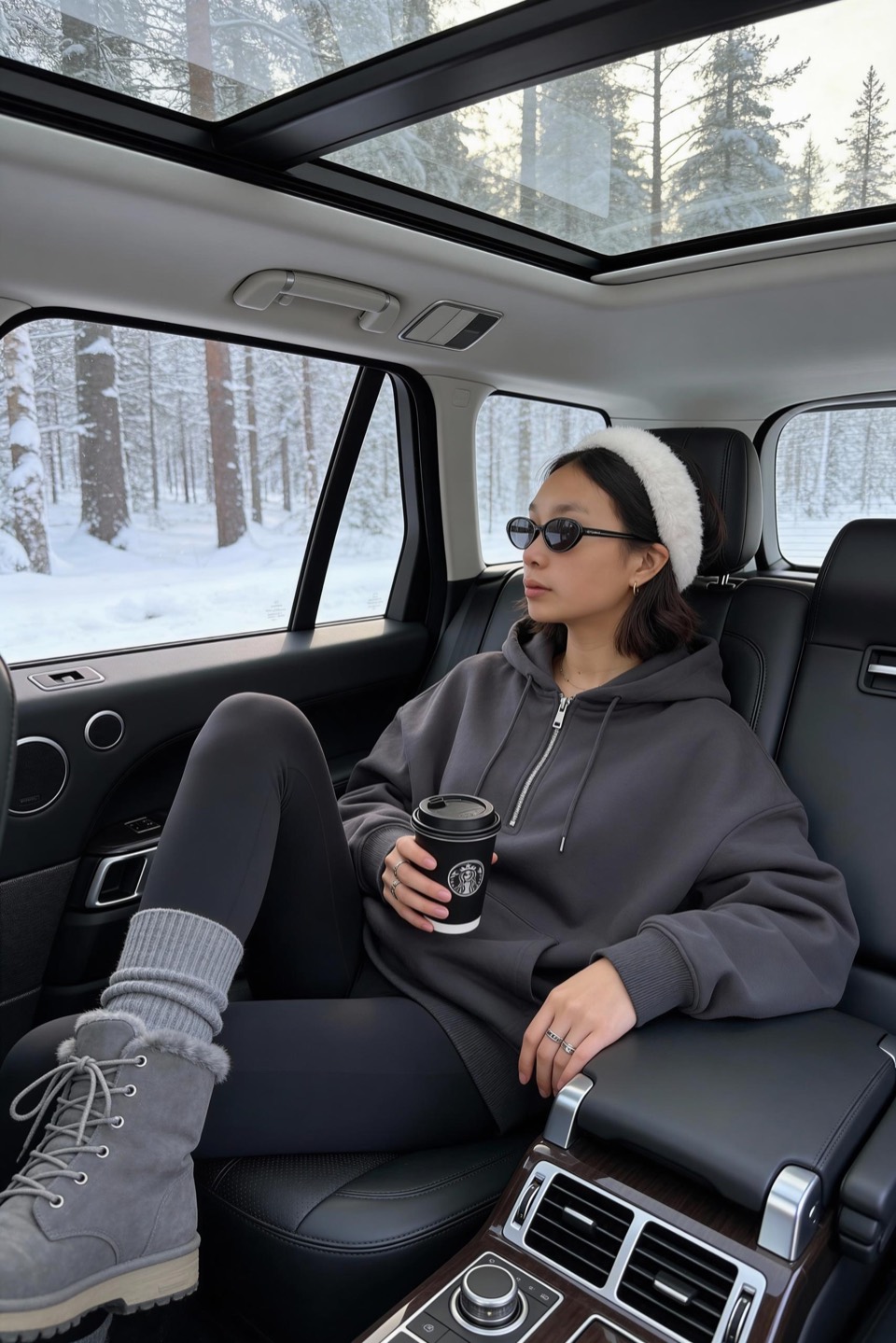
Cozy luxury car coffee break -

Man feeding two curious deer


You own what you create.
Images you generate with GeniGPT are yours — to post, print, sell, or use in client work, on the free tier and on Pro alike. A clean file matters most at exactly that point: when the image is going somewhere real, like a listing, a cover, a profile, or a deck, there is no mark to crop out and no badge advertising which tool you used.
Ownership comes with the usual responsibility: use what you make lawfully. Don’t generate images that infringe on someone else’s rights — a real person’s likeness without consent, a protected brand mark — and don’t pass AI output off as documentary photography where that would mislead. The full ownership language is in the terms and conditions.
When you are ready, the path is short: open the image generator, describe the image, and download a clean, full-resolution file in about a minute.
Questions, answered.
Is there a watermark on free generations?
No. Free and Pro downloads are treated identically: the full-resolution file, exactly as generated, with no watermark, stamp, or overlay. Your first 3 generations are free, and there is no watermarked tier to upgrade out of — nothing is ever printed on the image.
Is there hidden metadata in the files?
Yes, and it is disclosed: GeniGPT’s policy is to carry invisible IPTC metadata that labels the file as AI-generated and credits GeniGPT. IPTC fields are text stored inside the file, in the same place a camera writes its model name — they never show on the image itself. That is how a file stays clean to look at and honestly labeled as AI output at the same time.
Do I need to sign up to use it?
No. Open the image generator, type a description, and generate — no account, no email, no card. Your first 3 generations are free with no signup of any kind. An email address only comes into play with Pro, which adds custom face models trained on your selfies, more generations, and all aspect ratios.
What file format and resolution do I get?
A standard PNG or JPG, depending on which model serves your prompt, at the resolution it was generated — typically between about 1,000 and 1,800 pixels on the long side. Generations default to portrait; Pro unlocks the other aspect ratios. The download is the generated file itself, not a compressed preview, and it usually arrives in about a minute.