AI image prompt library.
Working prompts for AI photo edits, each shown with the real output it produced — generated with the same models the GeniGPT tools run. Copy any prompt, or click to load it into the tool pre-filled. Your first 3 generations are free — no signup, no card.
Background change prompts.
Swap the setting without re-shooting the subject — these prompts change what is behind a person or product, a studio wall, an autumn forest, a city street, while the pose, clothing, and lighting stay put. Every prompt in the background-change library is shown with the before photo and the exact output it produced.
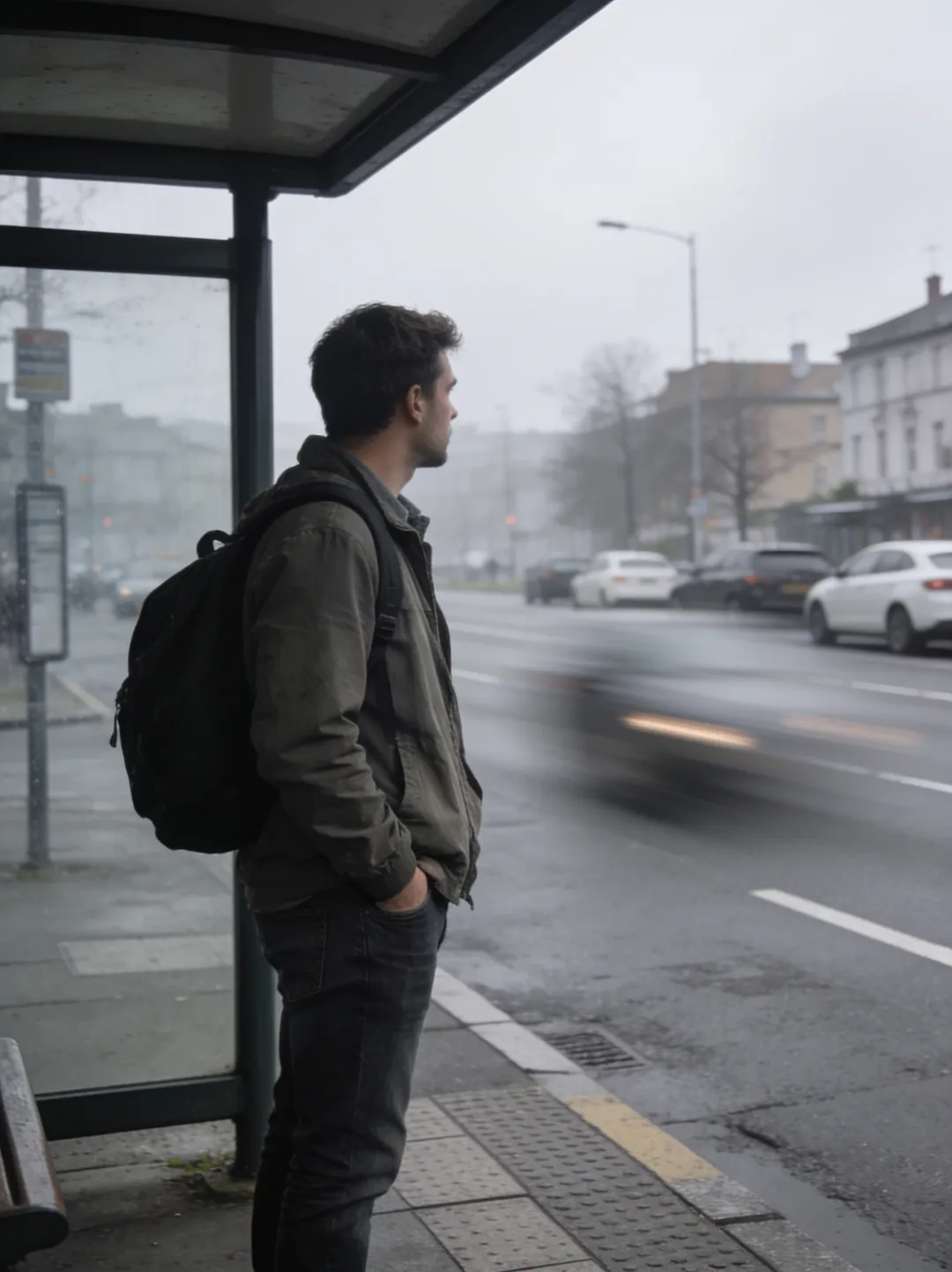
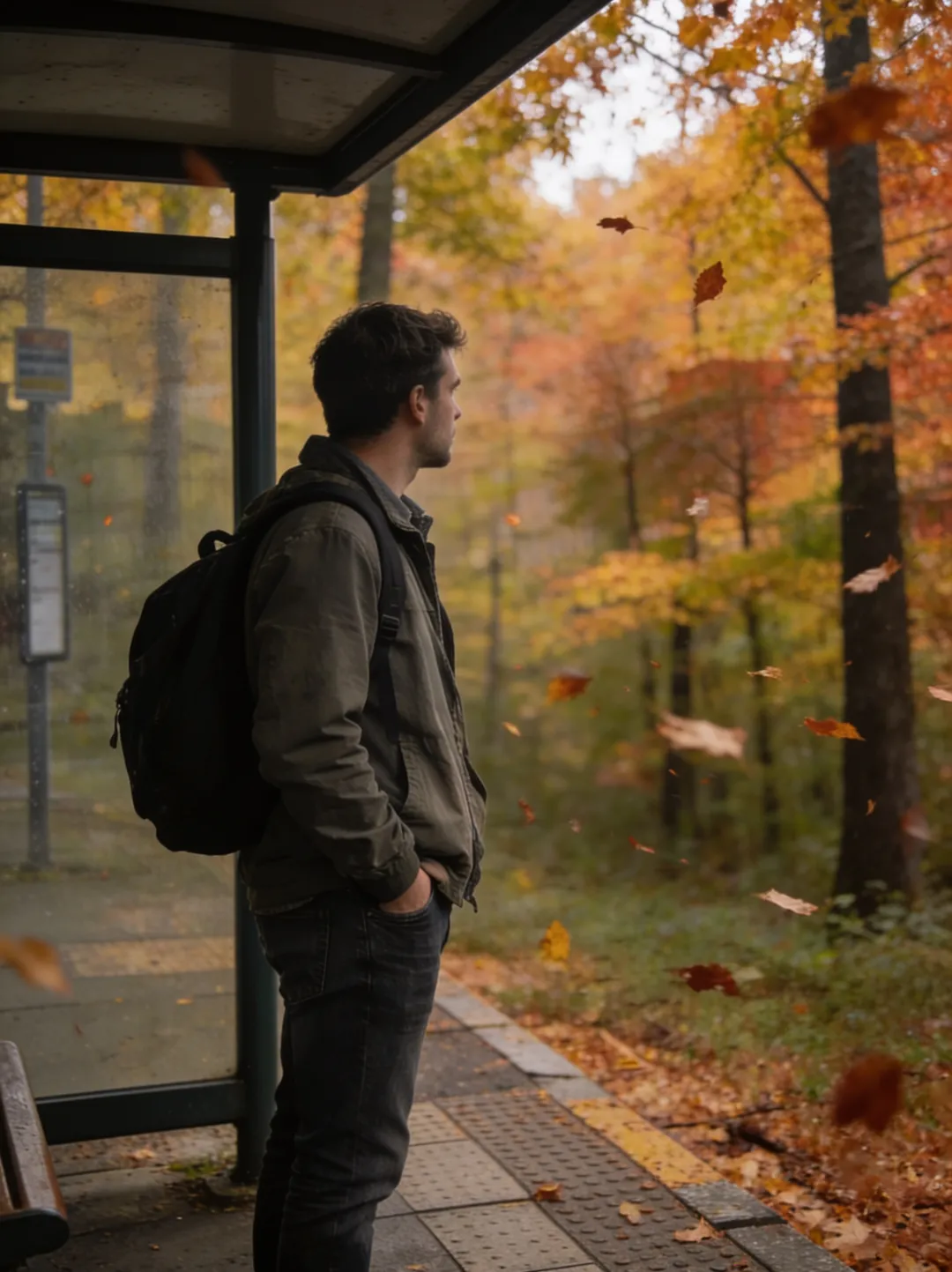
Copy the caption as it stands, or load this prompt in the editor with the text already filled in. The full set — studio walls, outdoor scenes, seasonal swaps — is in the background change prompts collection.
Headshot prompts.
Turn a casual photo into a professional headshot by typing what the finished portrait should look like. These prompts name the outfit, the lighting, and the background, and keep the face that walked in — the headshot library pairs every prompt with the exact starting shot and the headshot it returned.
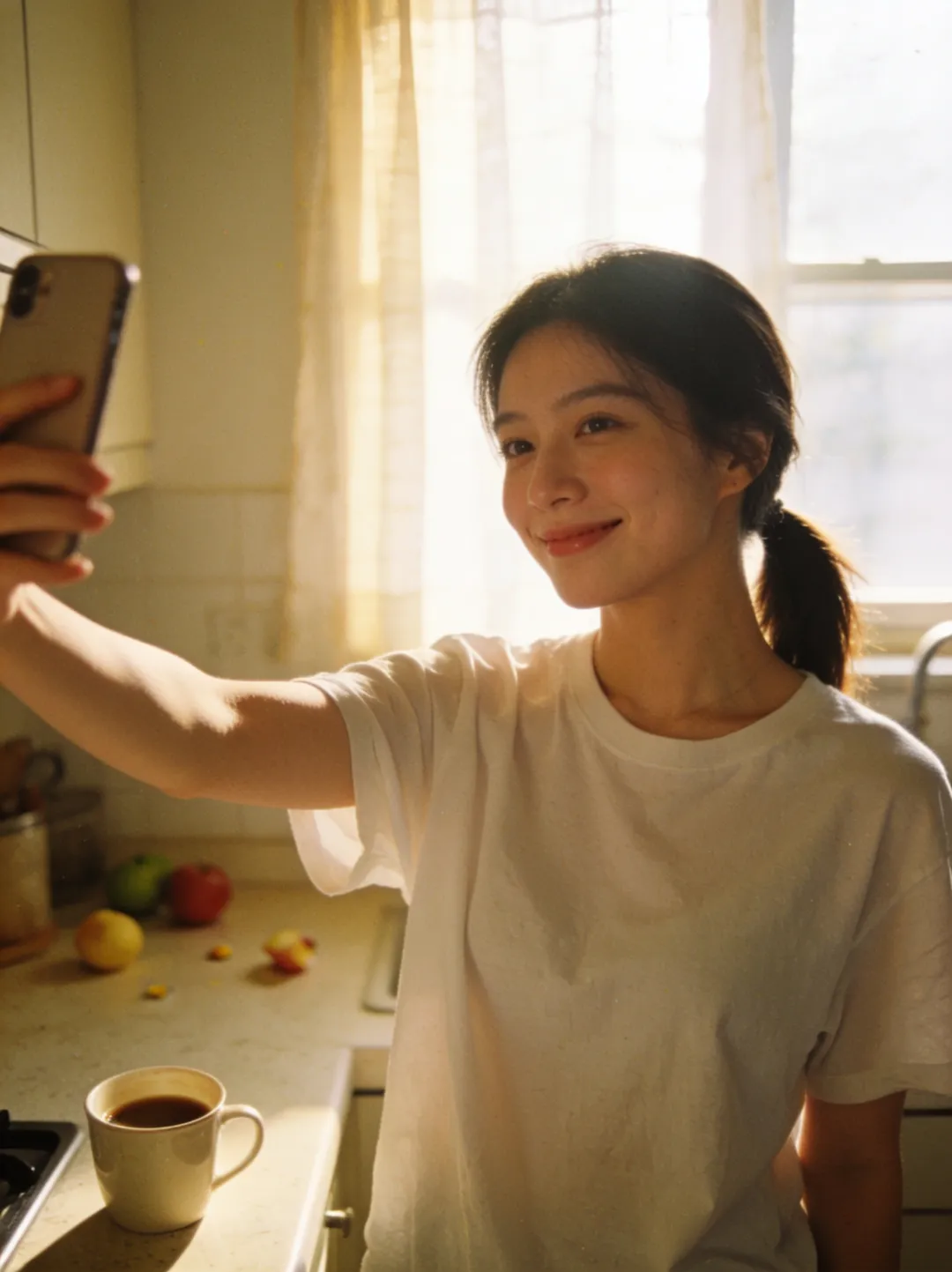
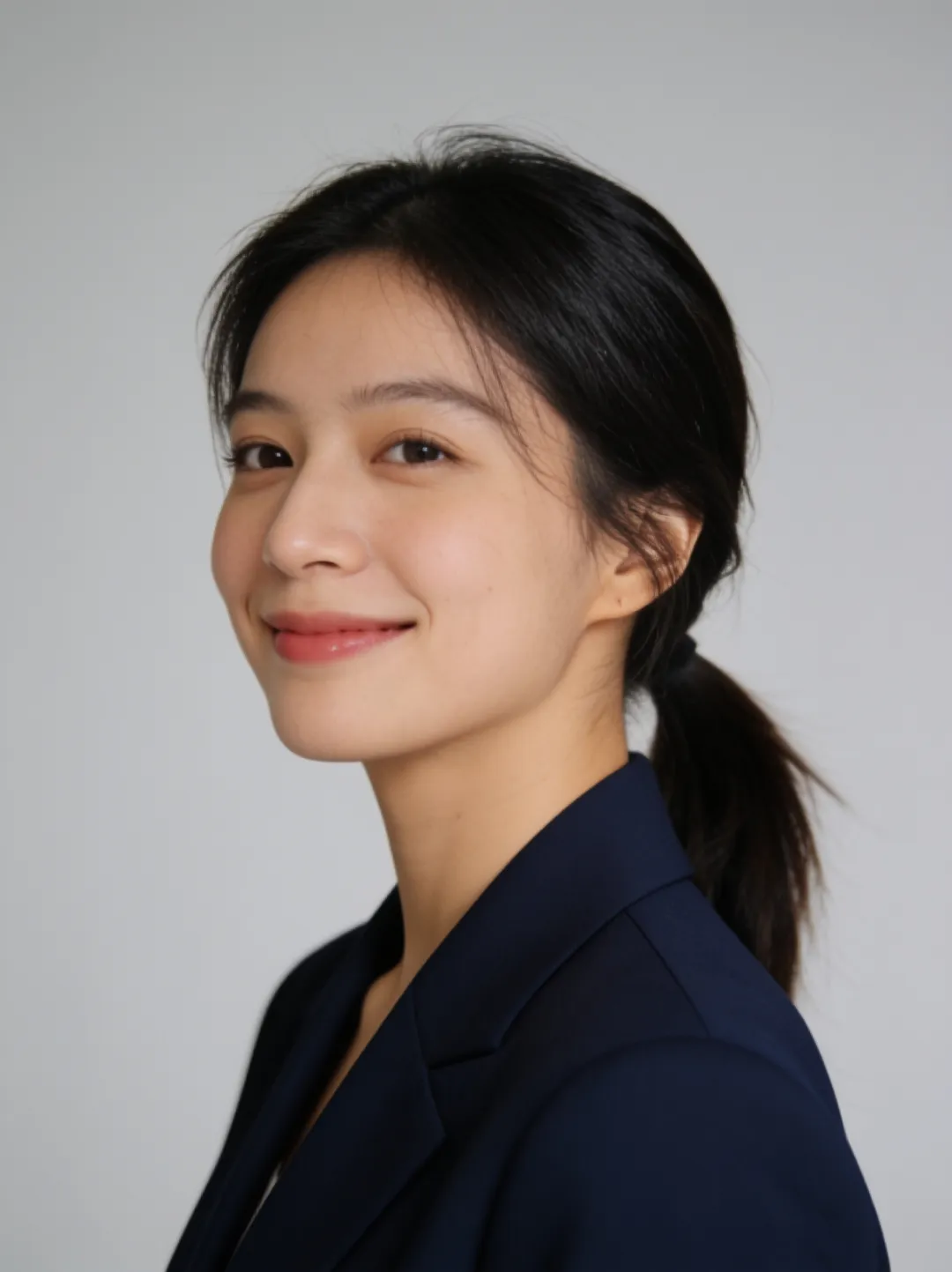
Load this prompt in the editor, or browse the full set of headshot prompts. If you would rather not write a prompt at all, the AI headshot generator is built for exactly this job — one selfie in, headshots out.
Restyle prompts.
Restyle prompts keep the scene and change the medium — a photo becomes an anime illustration, a watercolor, a 1970s film frame, any look you can name, while the composition and subject carry over. The restyle library shows each style prompt next to the original photo, so you can see exactly how far the look travels.
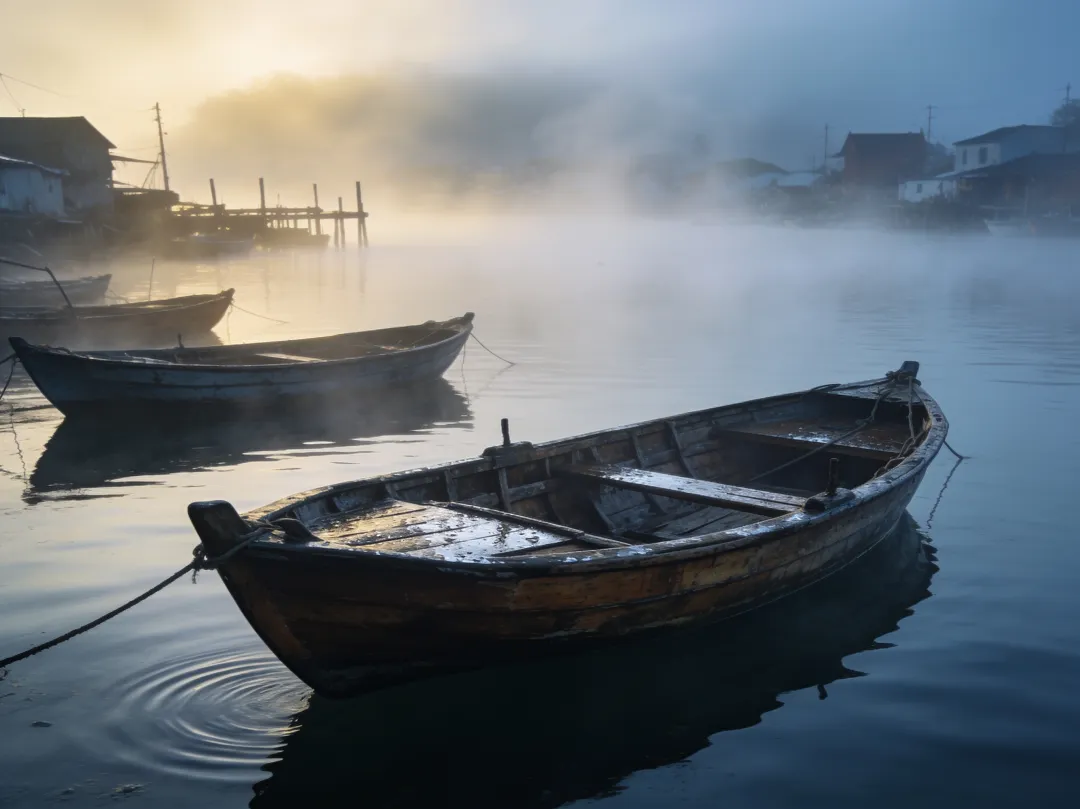
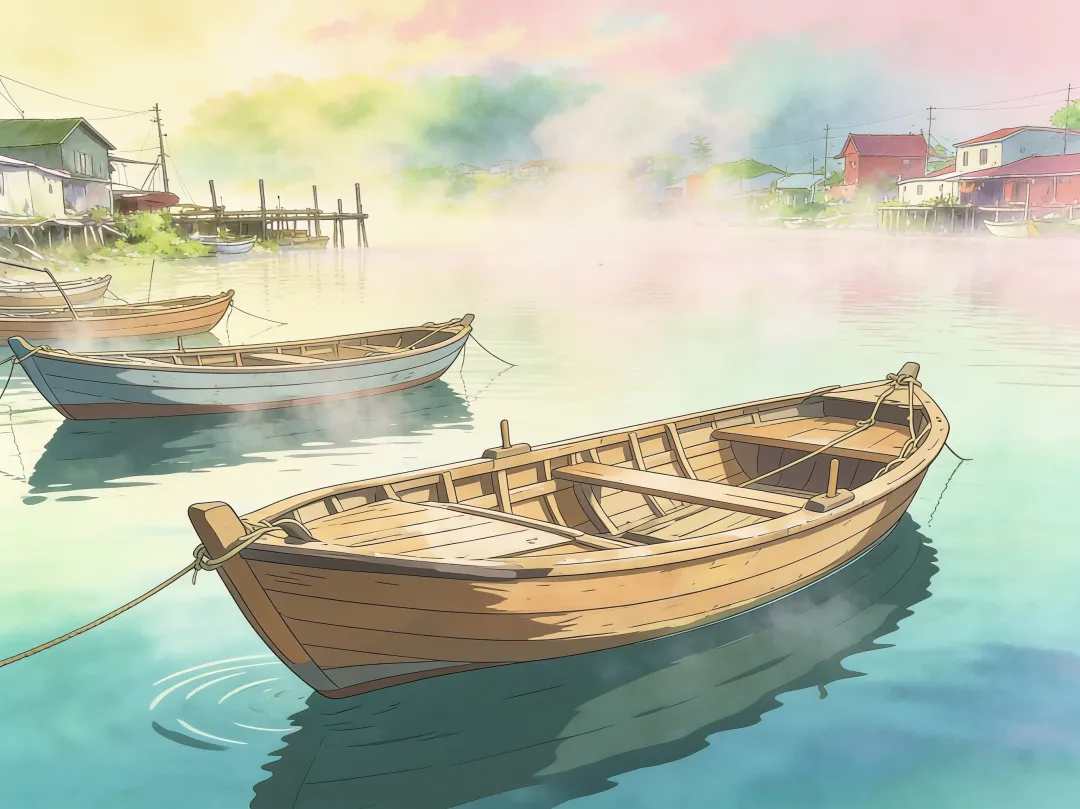
Load this prompt in the editor, or browse the full set of restyle prompts. Style transfer on your own photos is also the home ground of the image-to-image AI tool, which starts from a picture instead of a blank box.
How to write a good edit prompt.
The prompts above follow three habits that make edits land on the first try, and the habits transfer to any photo you upload. No prompt-engineering jargon is involved — a good edit prompt is a plain sentence that says exactly what should change and, just as importantly, what should stay the same.
- Be specific. “Change the background to an autumn forest with falling leaves” gives the model something to execute; “make it look better” gives it a guess. Name the color, the material, the lighting, the era.
- One change per prompt. Stacking the background, the outfit, and the lighting into one sentence dilutes all three. Run one edit, download the result, and feed it back in for the next change — each pass takes about a minute.
- Name what stays. The most reliable prompts end with an anchor like “keep the face, pose, and lighting exactly the same.” Saying what must not move keeps the subject recognizable through the edit.
Try any of these on your own photo in the AI photo editor — it accepts JPG, PNG, or WebP, up to 4 photos in one edit. Starting from nothing instead of a photo? The same habits apply to text prompts in the AI image generator. Your first 3 generations are free — no signup, no card.
How this library is made.
Every before/after pair in this library is a real GeniGPT edit: the caption under each pair is the exact prompt, unedited, and the output is what the model returned — not a mock-up. All examples were generated on July 2, 2026 with the same models the live tools run, so what you see is what the tool does today.
The load-this-prompt links open the tool with the prompt already in the input — swap in your own photo, adjust a word or two, and run it. Results usually arrive in about a minute; complex prompts can take a few minutes.