Background change prompts.
Ten working prompts that swap what is behind your subject — city streets, studio walls, seasonal scenes — while the person, pose, and clothing stay put. Copy any prompt, or load it into the free tool pre-filled. Your first 3 generations are free — no signup, no card.
Two prompts, shown with results.
A background change prompt is one sentence naming the new setting; the subject, pose, and clothing carry over from your photo. Both pairs below are real GeniGPT edits made on July 2, 2026 — the caption under each is the exact prompt, unedited, and the after image is what the model returned.
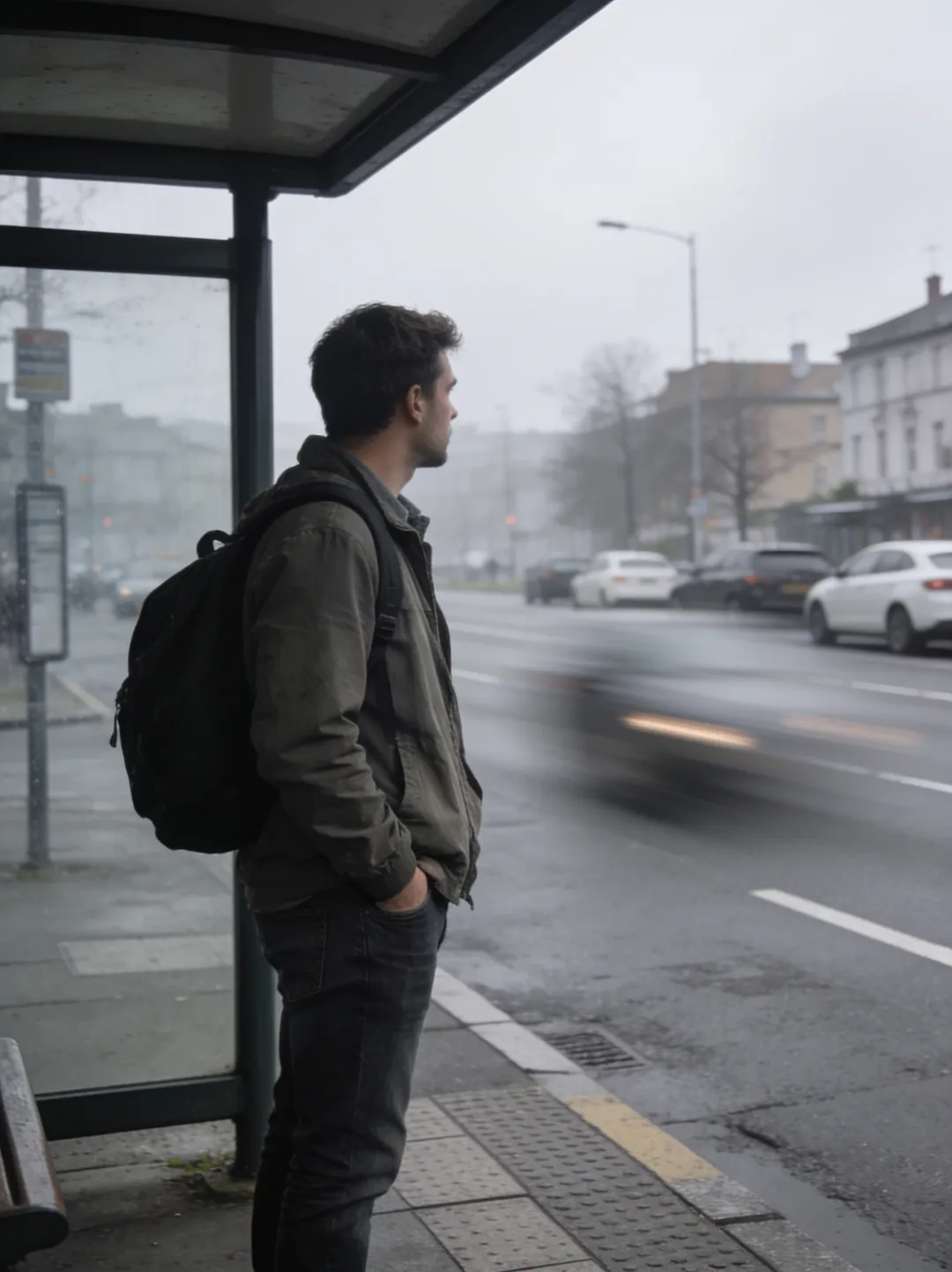
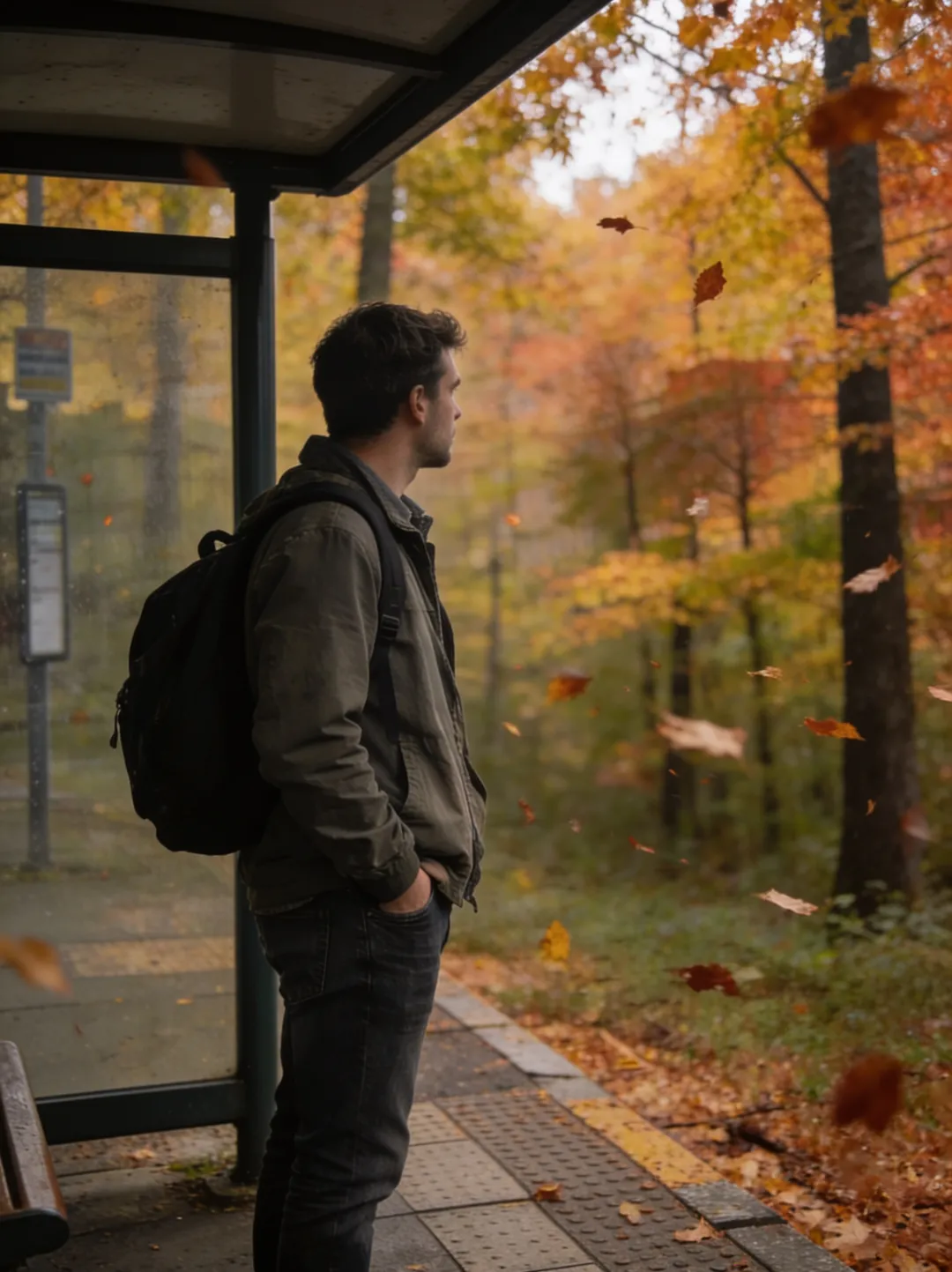
The shelter, the backpack, and the stance survive the edit; the gray avenue does not. Load this prompt in the editor and swap in your own photo.
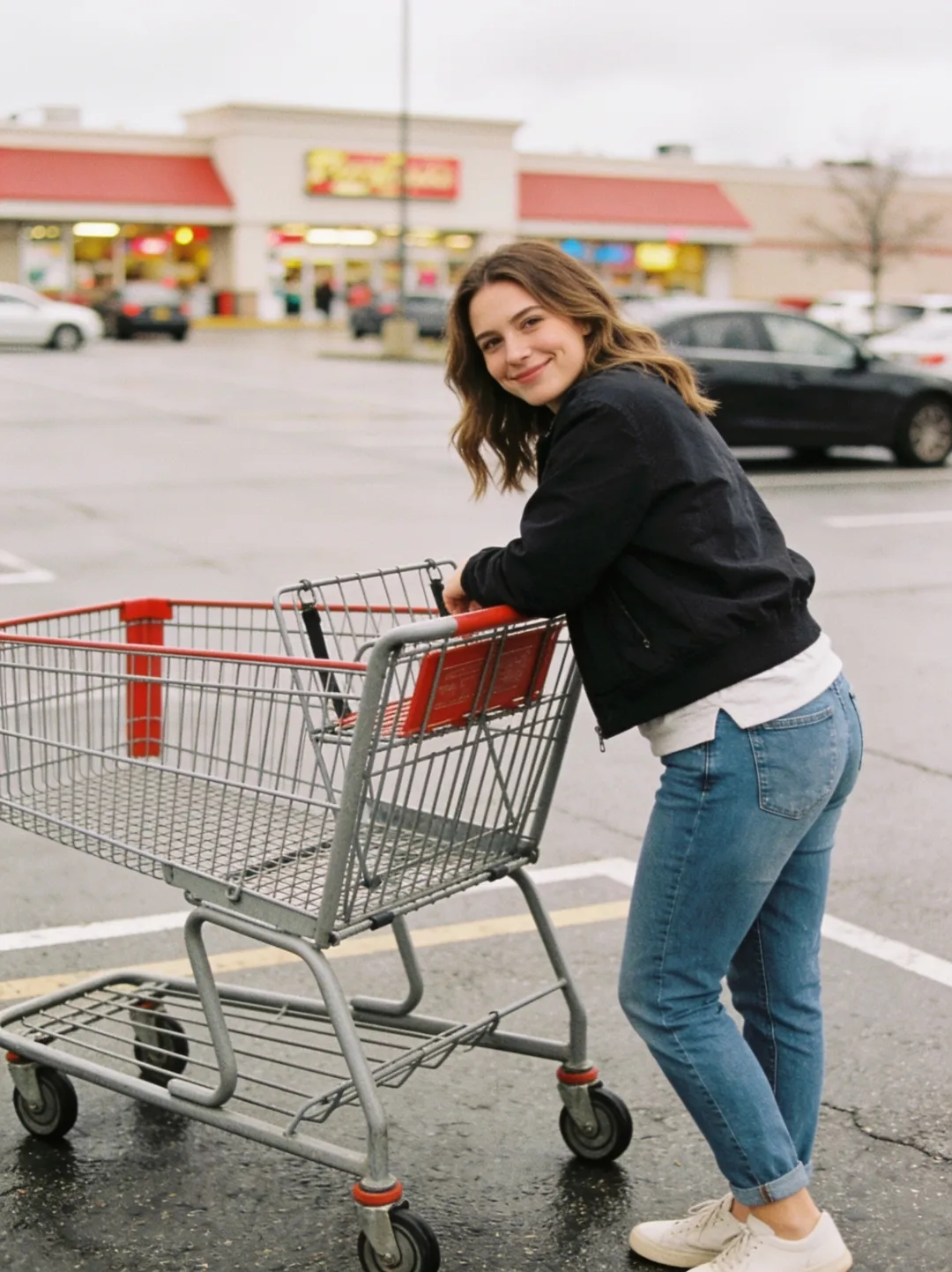
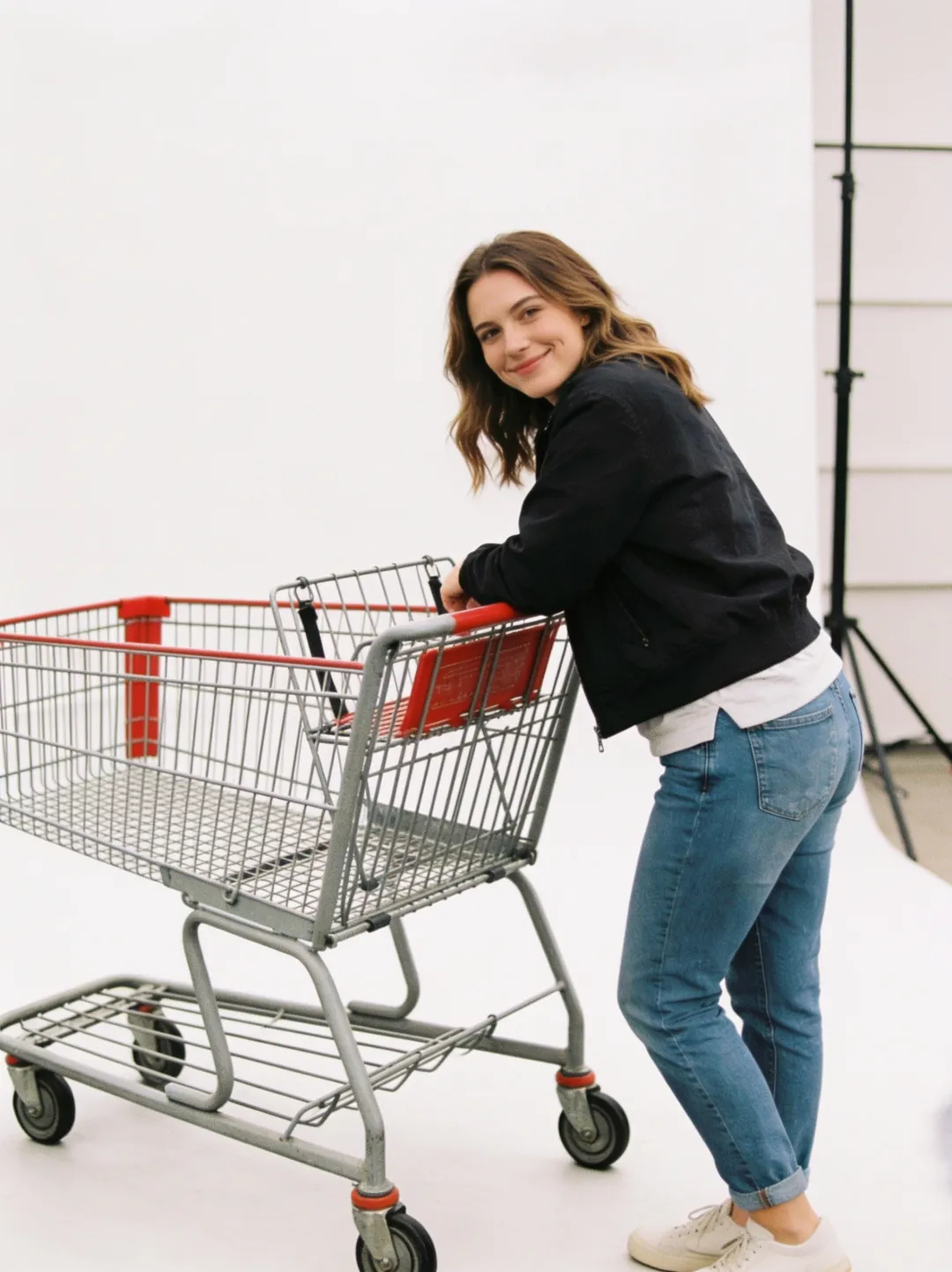
Same subject, same cart, new room — the parking lot becomes a seamless white wall, and the light stand the model added is its own plausible touch, not something the prompt asked for. Load this prompt in the editor to try it on a portrait or a product shot.
Ten background prompts to copy.
Every prompt below follows the same shape — “change the background to” plus a place described in a few concrete words. Copy one into the AI photo editor, or click load it to open the tool with the prompt pre-filled; add your photo and run it. Results usually arrive in about a minute; complex prompts can take a few minutes.
Places.
Studio.
Seasons.
Portraits that also need an outfit change belong to the headshot prompts; swapping the medium instead of the place is the job of the restyle prompts. Every category, with the outputs each prompt produced, is in the prompt library.
One tip: say what stays.
The most reliable background prompts end with an anchor — “keep the person, pose, and lighting exactly the same.” Naming what must not move stops the edit from drifting into the subject. If a swap changes the face or the outfit, add the anchor and run it again; the second pass usually lands. The full walkthrough is in the guide to changing a photo background with AI.
Questions, answered.
How do I use these prompts on my own photo?
Open the editor, upload your photo — it accepts JPG, PNG, or WebP, and up to 4 photos in one edit — then paste a prompt and run it. The load it links skip the pasting: each one opens the tool with the prompt already in the input. Your first 3 generations are free — no signup, no card.
Will the background change affect the person in the photo?
It should not — the prompts here are worded so the model redraws the setting while carrying the person, pose, and clothing over from the original. If a detail drifts, a hand or a hairline, add “keep the person exactly the same” to the prompt and run it again. Results usually arrive in about a minute; complex prompts can take a few minutes.