Headshot prompts.
Copy-paste prompts that turn an ordinary selfie into a professional headshot — LinkedIn, corporate, creative, academic — each shown with the exact starting shot and the unedited file it returned. Your first 3 generations are free — no signup, no card.
From selfie to headshot, with receipts.
The two pairs below are the proof of method: an ordinary selfie in, a professional headshot out, with the exact prompt printed underneath. Both were generated on July 2, 2026 with the same models the live GeniGPT tools run, and neither output has been retouched — what the model returned is what you see.
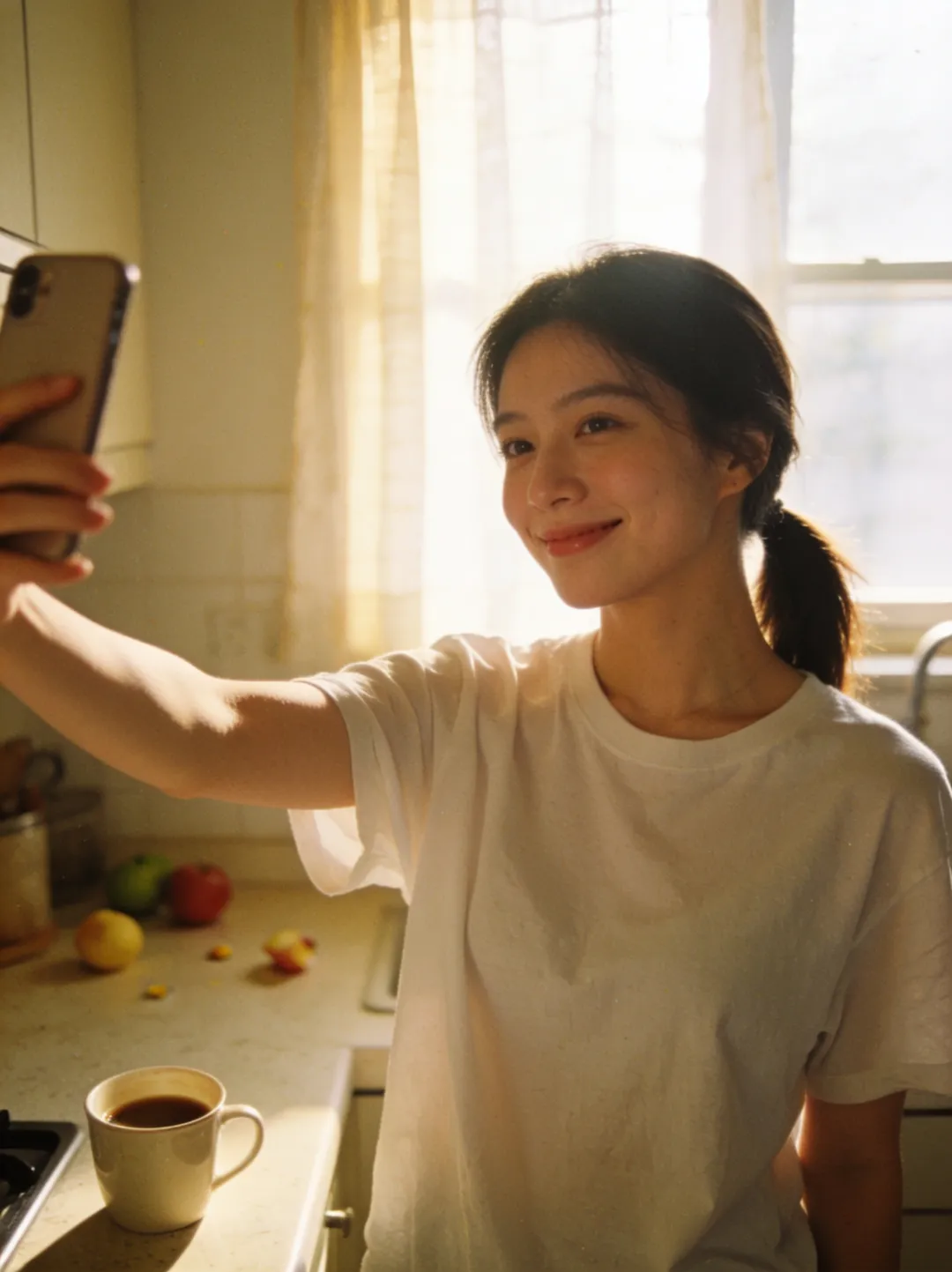
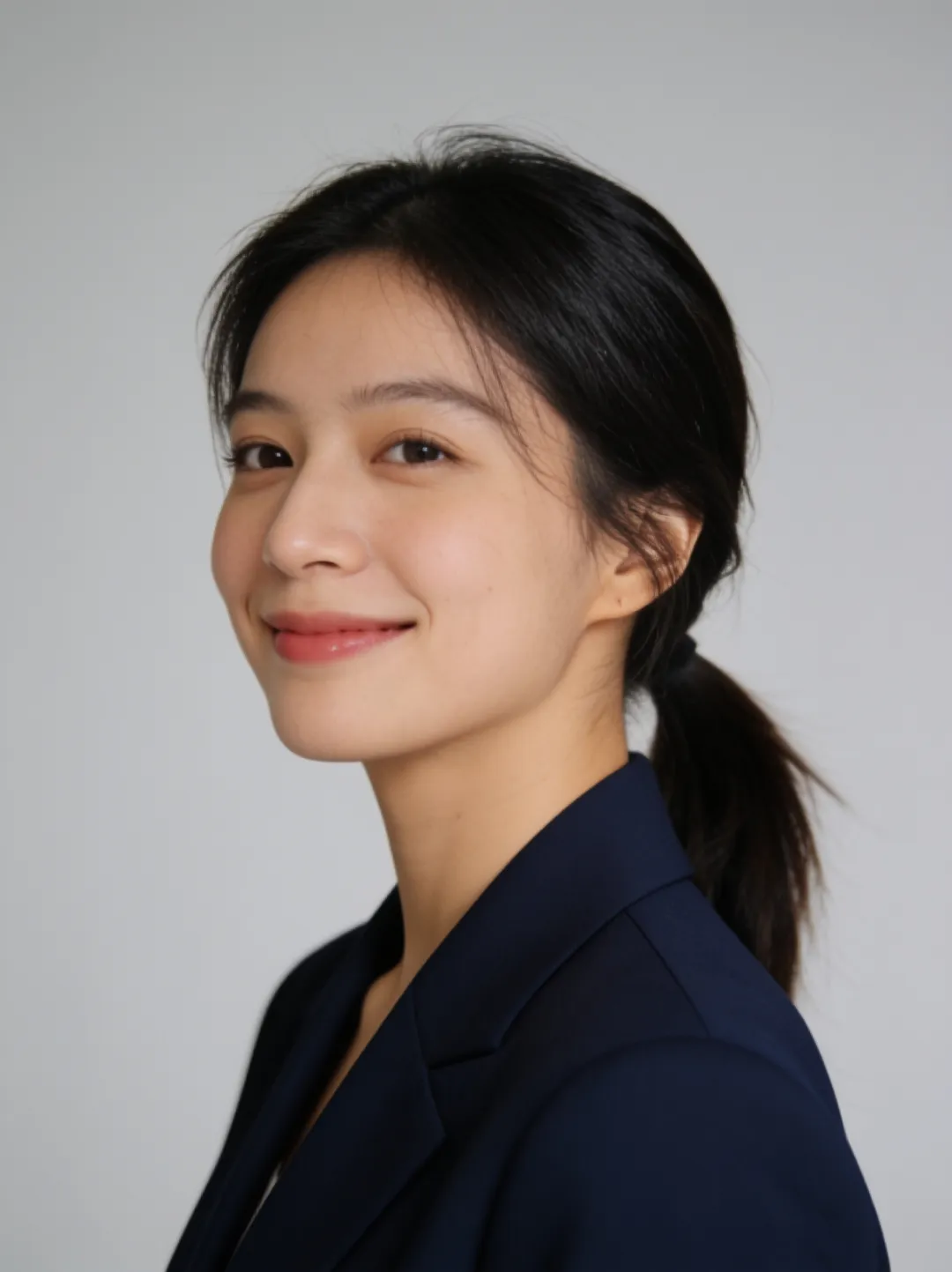
Copy the caption as written, or load this prompt in the editor with the text pre-filled. Note the shape of the sentence: outfit first, then light, then background — and not a word about the face, which is exactly why the face survives the edit.
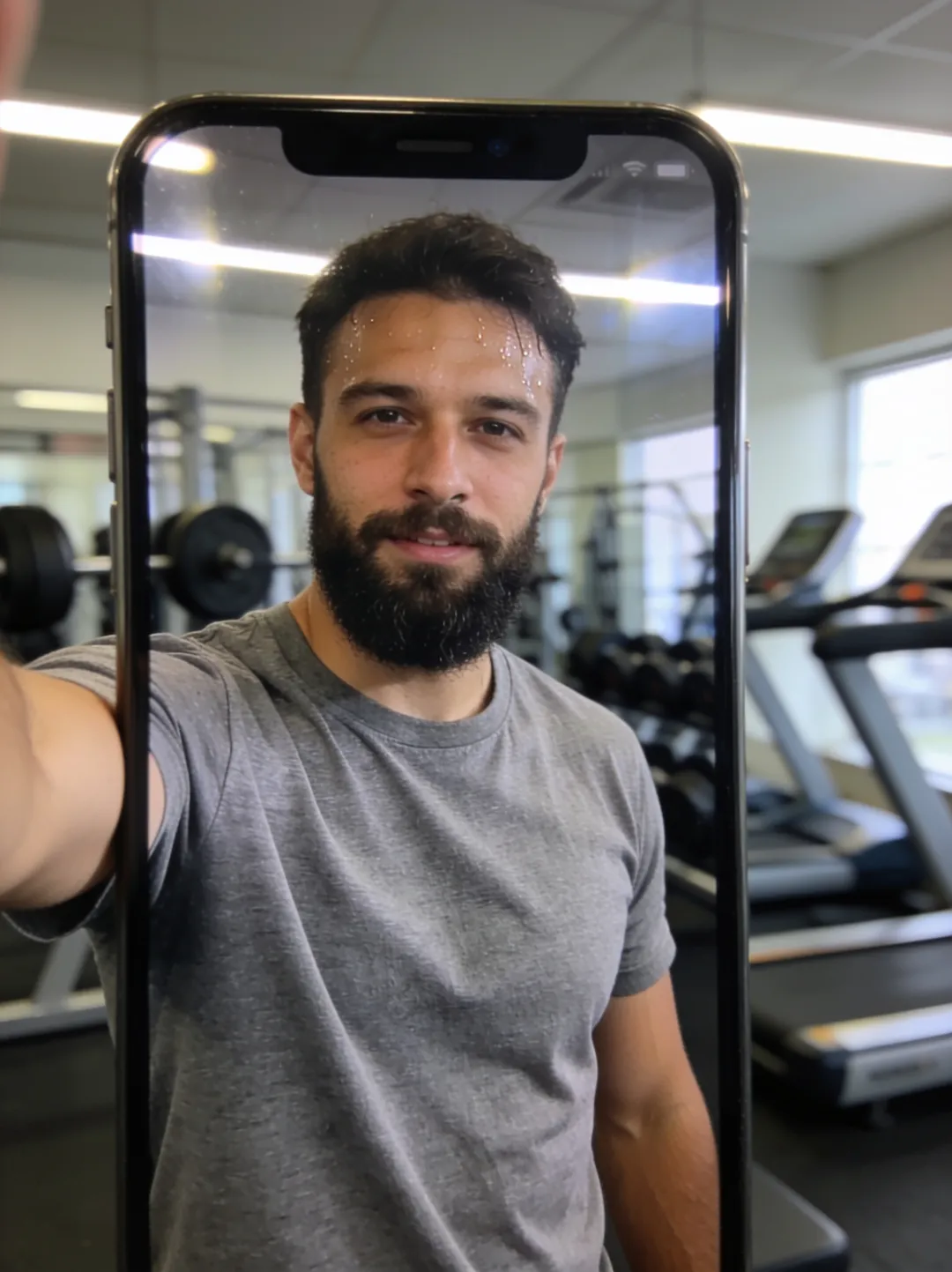
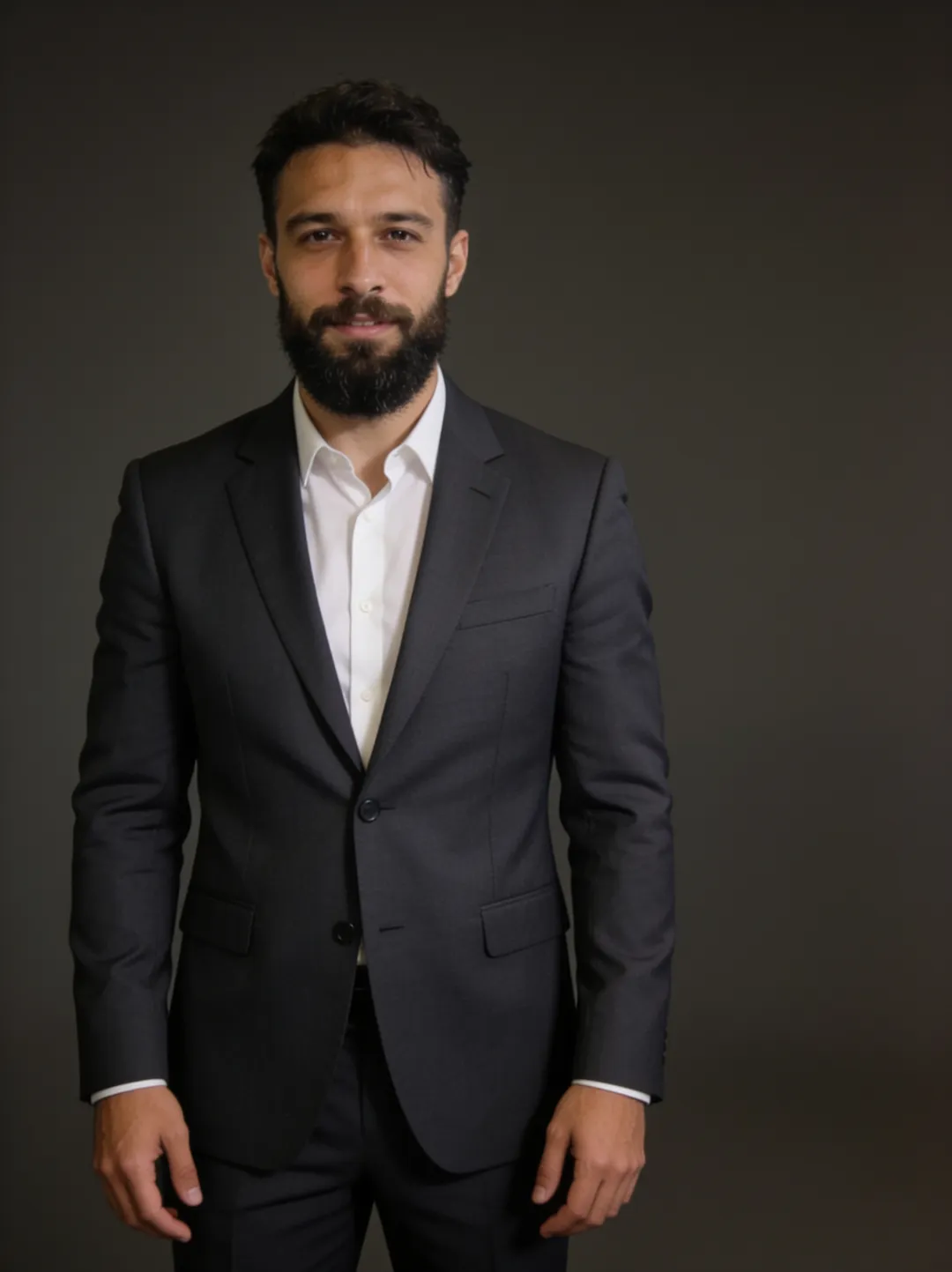
The corporate version runs darker: load the charcoal-suit prompt and a mid-workout gym selfie comes back as a clean corporate headshot — same beard, same face, phone and sweat gone because the prompt said so. Naming what should change (hands down, dry skin) is how you steer it. Other categories — background changes, restyles — live in the prompt library.
Ten headshot prompts that work.
These ten prompts follow one formula: name the outfit, the lighting, and the background, and say nothing about the face — what you leave unnamed stays as shot. Each one loads into the free AI photo editor pre-filled; upload a clear selfie, run it, and the result arrives in about a minute.
LinkedIn.
- Turn this into a professional LinkedIn headshot: navy blazer, soft studio light, plain light-gray background — load it
- Turn this into a LinkedIn headshot: white shirt, no jacket, soft window light, blurred modern office background, keep my face exactly the same — load it
- Turn this into a friendly LinkedIn headshot: light-gray sweater over a collared shirt, warm natural light, soft beige background — load it
Corporate.
- Turn this into a professional corporate headshot: charcoal suit, neutral dark background — load it
- Turn this into a formal corporate headshot: black suit, white shirt, dark tie, even studio lighting, plain white background — load it
- Turn this into an executive headshot: dark navy suit, subtle rim light, dark gray gradient background, keep my expression natural — load it
Creative.
- Turn this into a creative professional headshot: black turtleneck, dramatic side lighting, deep charcoal background — load it
- Turn this into a relaxed creative headshot: denim jacket over a white t-shirt, golden hour light, blurred brick wall background — load it
Academic.
One selfie, no prompt at all.
Writing prompts is one way to get a headshot; two of the tools skip it. The AI headshot generator takes one selfie and returns professional headshots without any prompt writing, and Reimagine builds photoreal portraits of you from a single selfie in whatever scene you pick. Both run on the same free tier as the editor.
If you want the full walkthrough — which selfie to pick, what to do when the output drifts, and how the single-selfie approach compares with tools that train on 10–20 photos — read the guide on making an AI headshot from one selfie.
Getting a headshot that still looks like you.
A headshot prompt succeeds or fails on one question: does the person in the output still look like the person in the input? The prompts above are built to protect the face, and a few habits on your side — mostly about the photo you upload — raise the hit rate further.
- Start from a clear selfie. Front-facing, eyes visible, even light, nothing covering the face. The editor accepts JPG, PNG, or WebP, up to 4 photos in one edit — but for headshots, one good frame beats four mediocre ones.
- Change the clothes and the room, not the person. Every prompt here names outfit, lighting, and background only. If a result drifts, append an anchor: keep my face, hair, and expression exactly the same.
- One look per pass. Run the LinkedIn version, download it, then run the corporate version from the original selfie again. Each pass takes about a minute; complex prompts can take a few minutes.
- Check the result at full size. Outputs typically land between 1,000 and 1,800 pixels on the long side, portrait by default — plenty for a profile photo. Zoom in on the eyes and hairline before you publish.
Questions, answered.
Two questions come up more than any others about AI headshot prompts — whether the starting photo has to be good, and what the free tier actually covers. Short answers below; the longer treatment, including how single-selfie headshots compare with multi-photo training tools, lives in the guide linked above.
Do I need a good photo to start from?
No. Both pairs on this page started from casual selfie-style shots — a kitchen selfie and a gym mirror photo. They are our own generated demo subjects, edited exactly the way your photo would be. What matters is the face: front-facing, in focus, decently lit, nothing covering it. The model rebuilds the outfit, lighting, and background around the face you give it.
Is it free, and is there a watermark?
Your first 3 generations are free — no signup, no account, no card. Downloads are the full-resolution file with no watermark; provenance is carried as disclosed invisible IPTC metadata instead of a stamp. Pro credits add more generations, the other aspect ratios, and custom face models trained on your selfies.