What is 'Image GPT'?
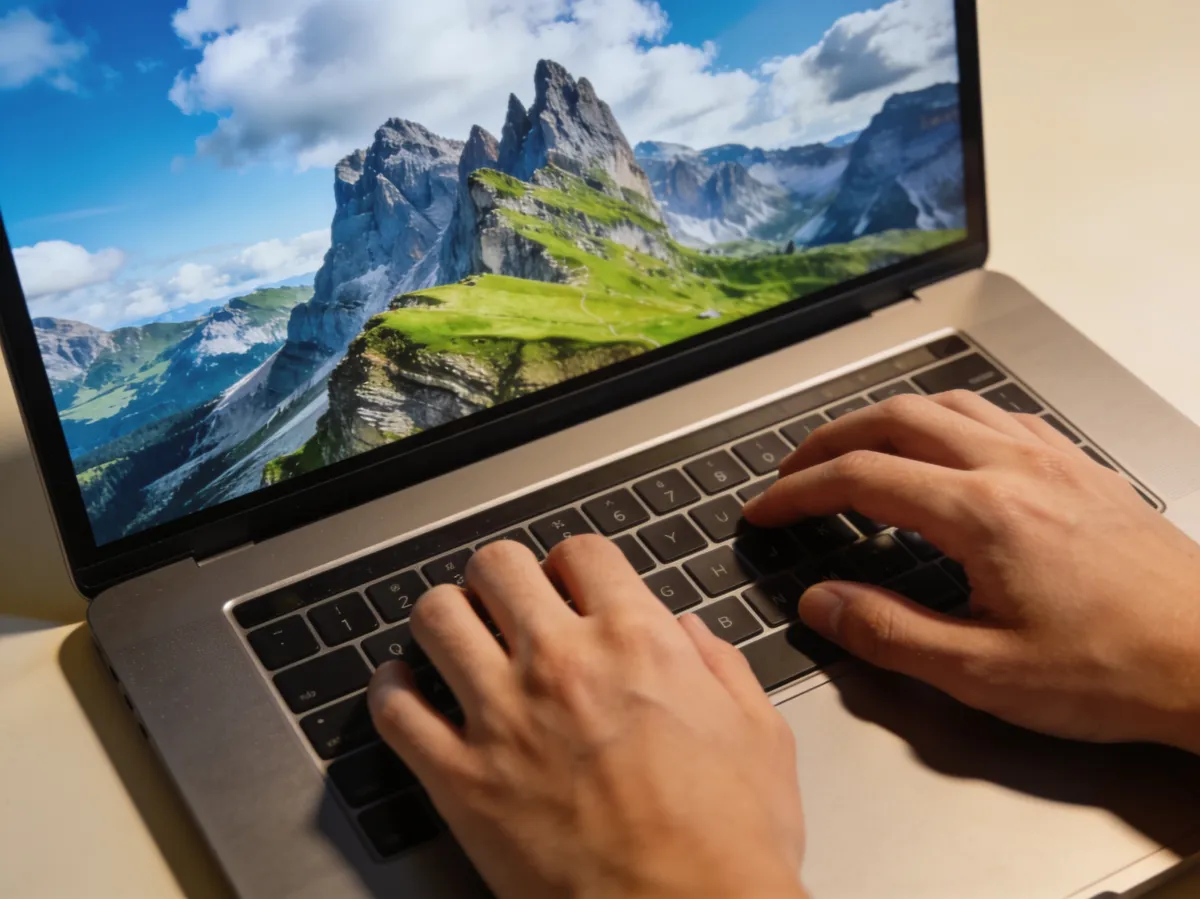
Type image gpt into a search box and you could mean three different things: a 2020 OpenAI research model, the image models inside ChatGPT today, or a whole category of tools where you type a sentence and get a picture back. They get mixed up constantly. Here is what each one is — and which one you probably came looking for.
OpenAI's ImageGPT: the 2020 research model
ImageGPT — often written iGPT — was a 2020 OpenAI research project, published at ICML as "Generative Pretraining From Pixels." It took a GPT-2-style transformer and trained it to predict the next pixel in an image instead of the next word in a sentence, showing that one architecture could learn language and images alike.
In the paper, by Mark Chen and colleagues, the model worked on small, low-resolution images and had no built-in knowledge of 2D structure — it simply read pixels as a sequence. It could complete half-finished pictures plausibly and, more importantly for the researchers, learned image representations good enough to classify photos with high accuracy.
Two things follow from that. ImageGPT was a research milestone, not a product: OpenAI published the code on GitHub, and as of July 2026 there is no official way to use ImageGPT online. So if you searched image gpt free hoping to try this model, there is nothing to sign up for — the tools below are what you want.
GPT-Image: the models inside ChatGPT today
When people say "image GPT" in 2026, they usually mean ChatGPT's built-in image generation. That runs on OpenAI's GPT-Image family — as of July 2026 the current model is GPT Image 2, which OpenAI shipped in April 2026 and calls Images 2.0 inside ChatGPT. It replaced the older DALL·E models, which OpenAI retired in May 2026.
These models are what most searchers are actually picturing: you describe an image in the chat and ChatGPT draws it, with notably good text rendering and instruction following. Using them requires an OpenAI account, and free accounts hit a cap on how many images they can make — we cover the details in our guide to ChatGPT's image limits.
The generic sense: a chat box that makes images
The third meaning is the loosest and the most common: an "image GPT" as a category — any chat-style tool where you type what you want and an image comes back, no layers, sliders, or design skills. That is the sense in which GeniGPT is an image GPT: a text box in your browser that returns pictures.
To be scrupulously clear about what GeniGPT is not: it does not run OpenAI's models, and it is not affiliated with OpenAI. The name describes how it works — a GPT-style chat box for images — not whose models sit behind it.
What it is: an AI image generator that turns a typed sentence into a picture, and an AI photo editor that changes an uploaded photo the same way — type "Remove all the people in the background" and it happens. Your first 3 generations are free — no signup, no account, no card — and results usually arrive in about a minute. Downloads have no watermark; provenance is disclosed through invisible IPTC metadata instead.
If you would rather stay inside ChatGPT, GeniGPT also runs there as a custom GPT, and as a Telegram bot. For a side-by-side on editing photos specifically, see GeniGPT vs ChatGPT image editing.
Which image GPT you actually want
A quick way to route yourself: the 2020 ImageGPT is for reading about, not using; ChatGPT's GPT-Image models are for people already living in ChatGPT with an OpenAI account; and a generic image GPT like GeniGPT is for typing a prompt in a browser and getting an image with no account at all.
| You searched | You probably want |
|---|---|
| image gpt (the paper) | OpenAI's 2020 research post and the ICML paper — reading material, not a tool |
| image gpt in ChatGPT | An OpenAI account; the free tier caps how many images you can make |
| image gpt free, image gpt online | A no-signup tool in the browser — GeniGPT's generator or editor |
Try one now
If you came here from a search like image gpt free or image gpt online, the fastest way to answer the question is to run one prompt. Type a sentence, wait about a minute, and download the result — your first 3 generations are free, with no signup and no watermark on the download.
Or start from this page's hero: try the exact prompt behind the image above.
Questions, answered
Three quick answers for the searches that usually lead here. They cover cost, whether you need an account, and how GeniGPT relates to OpenAI — the three points this page gets asked about most. Where the answer differs by tool, we say which tool we mean rather than averaging them into something vague.
Is Image GPT free?
It depends which one you mean. OpenAI's 2020 ImageGPT was a research model, so there is nothing to sign up for or pay for. ChatGPT's image generation has a free tier but requires an OpenAI account and caps how many images you can make. GeniGPT is free to start: your first 3 generations are free, with no signup and no watermark on downloads.
Can I use an image GPT online without an account?
Yes. ChatGPT's image tools require an OpenAI account, but GeniGPT runs in the browser with no account, no signup, and no card. Type a prompt, and the image is usually ready in about a minute; complex prompts can take a few minutes.
Is GeniGPT the same as OpenAI's ImageGPT or GPT-Image?
No. GeniGPT is an independent tool, is not affiliated with OpenAI, and does not run OpenAI's models. It is an image GPT only in the generic sense: a chat-style tool where you type what you want and an image comes back.